
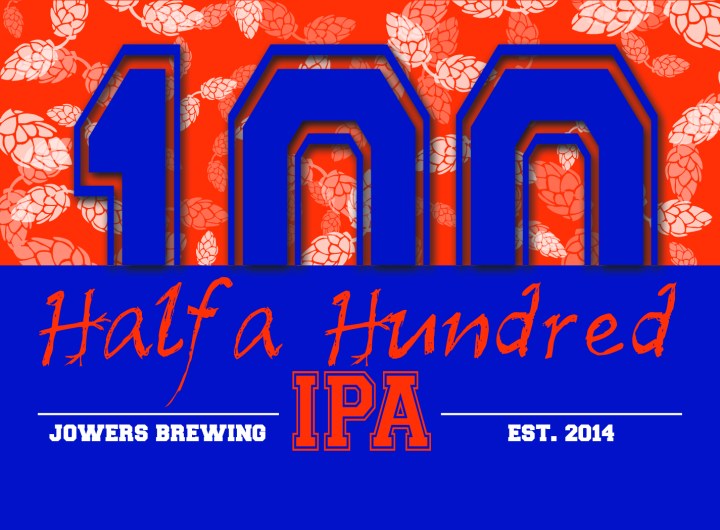
 My husband and I have close friends who recently began home brewing for a new hobby. My husband automatically offered his help with the brewing side of it, but I wanted to assist their project in some way too. That’s when our friend’s wife said she was thinking of creating labels for the beer and having them printed – that was it! Once I heard the name of the first beer, I had a grand idea in mind and got working.
The first beer was given the name “Half a Hundred”, playing off an old University of Florida legend (our friend’s were UF alumni). It took me a few drafts to get the picture across, but below is what came. I used Adobe Photoshop for majority of the label’s graphics, and then placed the text using InDesign and exported it there. There are many layers involved in the graphics, from the background colors and how they overlap the “100”,to the vector hops and their varying opacity. We wanted this label to truly play off the Florida Gators and give off that college sports theme.
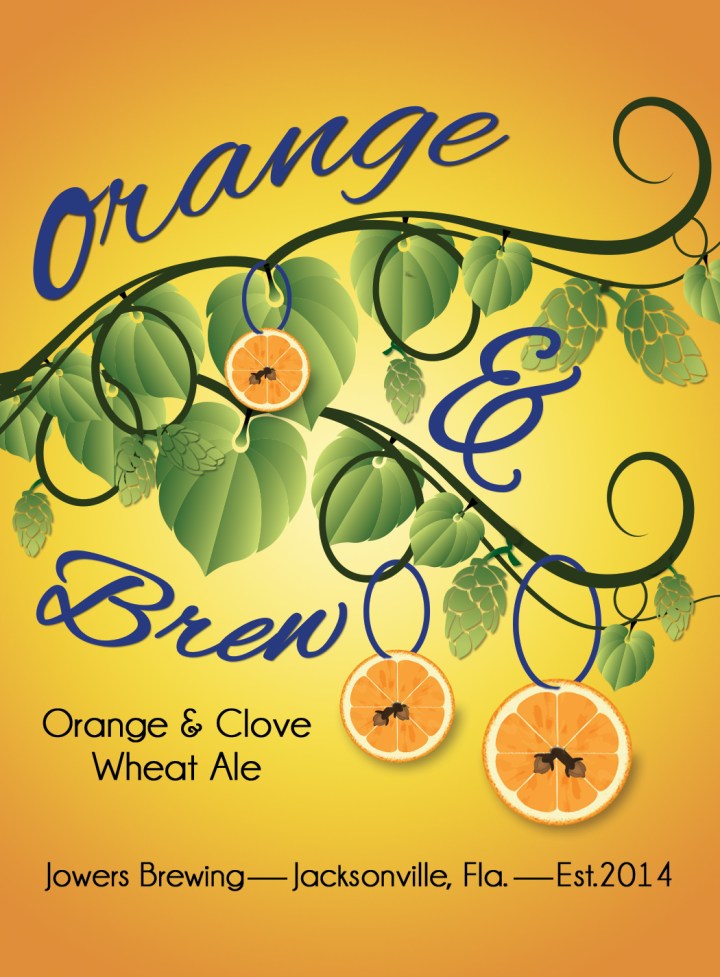
This next label, for orange and clove wheat, I was given the idea from the story behind the beer style. Our friend grew up around the holidays with her grandmother hanging clove-stuffed oranges in various places around her home. The smell always reminds her of home and her family. She wanted that in her beer, so I put that into her label. Again, the majority of this piece was built in Photoshop, and a lot more of it from hand. Thanks to a friend, I was able to create my own vector images for the clove and orange slices using a program called Vector Magic (and yes it is like magic). I used the same vector hops from the first label, colored them using a gradient to make them more life-like, and hung them from the vine branch as well. The copy was placed in InDesign, and they were complete! I’m happy with these pieces because they are both simple designs and colors, but each has a great story behind it.
 C.K.
C.K. 